
Edit PDF Online Free
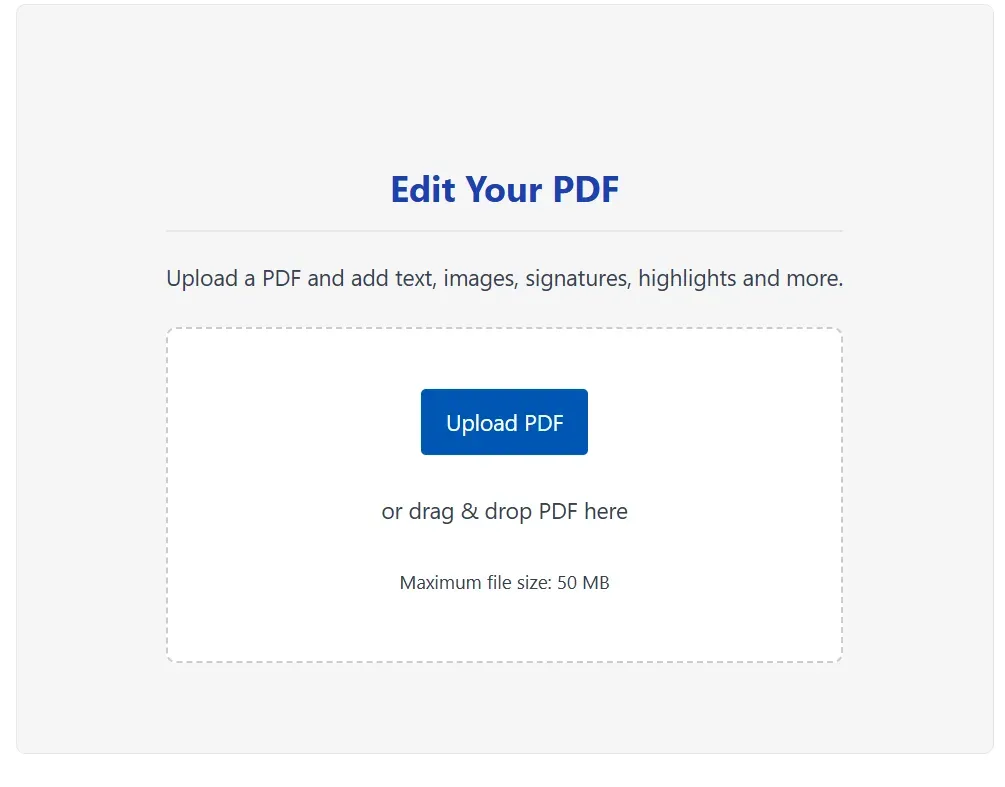
Edit Your PDF
Upload a PDF and add text, images, signatures, highlights and more.
or drag & drop PDF here
Maximum file size: 50 MBBest Tool to Edit PDF Online Free
We all use PDF files every day. Students and professionals need to read and edit pdf file online often. Sometimes you need to fill out forms. Other times you need to add your digital signature to a file. Adding text and images to a document used to be very hard. People had to buy expensive software or use heavy apps to do this simple work. Today, if you are wondering how to edit pdf, our edit pdf online free tool solves this problem completely. You can now modify your files directly in your web browser.
What is our PDF Editor Tool
Our web application helps users edit documents quickly and safely. Whether you need to edit pdf text or insert images, it runs completely inside your browser. Your files never go to our servers, ensuring your privacy and data security. The tool is absolutely free to use—an excellent alternative if you are looking to edit pdf free without any hidden charges or watermarks. The application works perfectly across all devices.
Top Features
Our application provides all the essential features you need, providing a great alternative to paid tools like edit pdf canva or sejda edit pdf.
Edit PDF Text
If you are wondering how to edit text in pdf, our tool makes it easy. You can edit pdf text online by writing new text anywhere on your page. You can change the font style, text size, and color to match your document.
Insert Images & Signatures
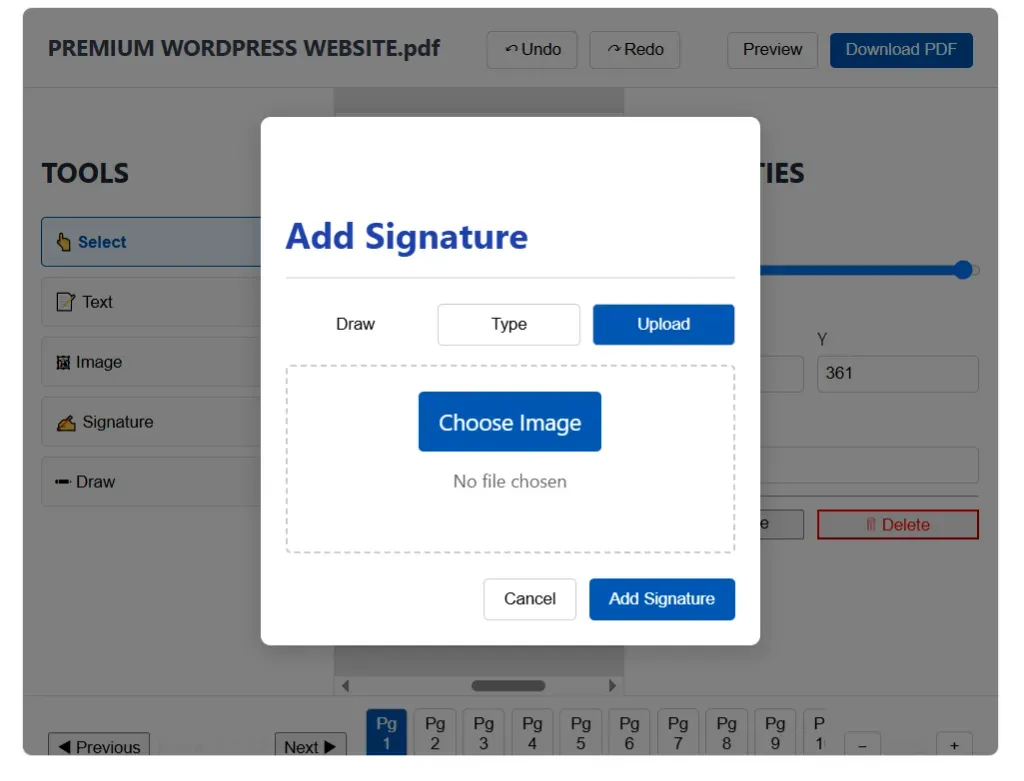
You can upload photos from your device and place your passport-size photo on any form. Digital signatures are also very important today. You can draw your signature using your mouse, type your name, or even upload a picture of your physical signature.
Freehand Draw
You can highlight important lines or draw circles to point out mistakes, just like a real pen.
Live Properties Panel
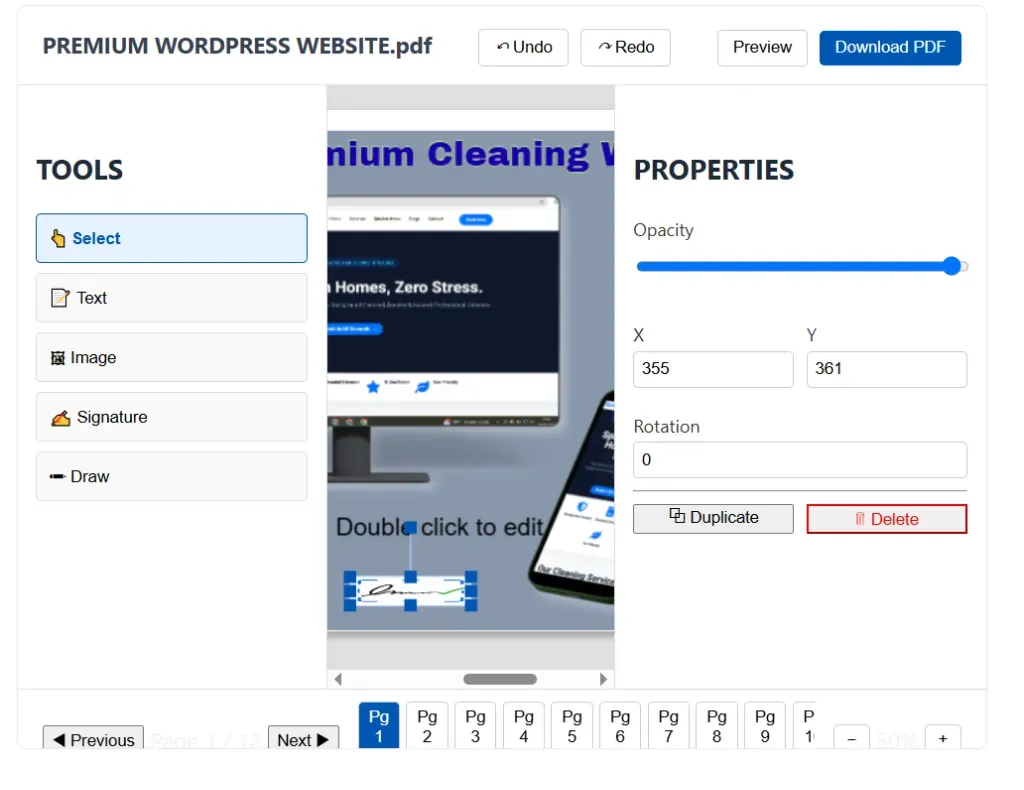
When you select an object on the page, a properties panel opens. You can rotate, duplicate, or delete objects with a single click.
How to Edit PDF Files Step by Step (PDF Ko Edit Kaise Kare)
Many users search for “pdf ko edit kaise kare” or “how to edit in pdf”. The process is very simple. Follow these easy steps to edit your files.
Step 1: Upload Your PDF
Go to the home page and click the Upload PDF button. Select the file from your device. You can also drag and drop the file into the upload box.
Step 2: Explore the Editor Interface
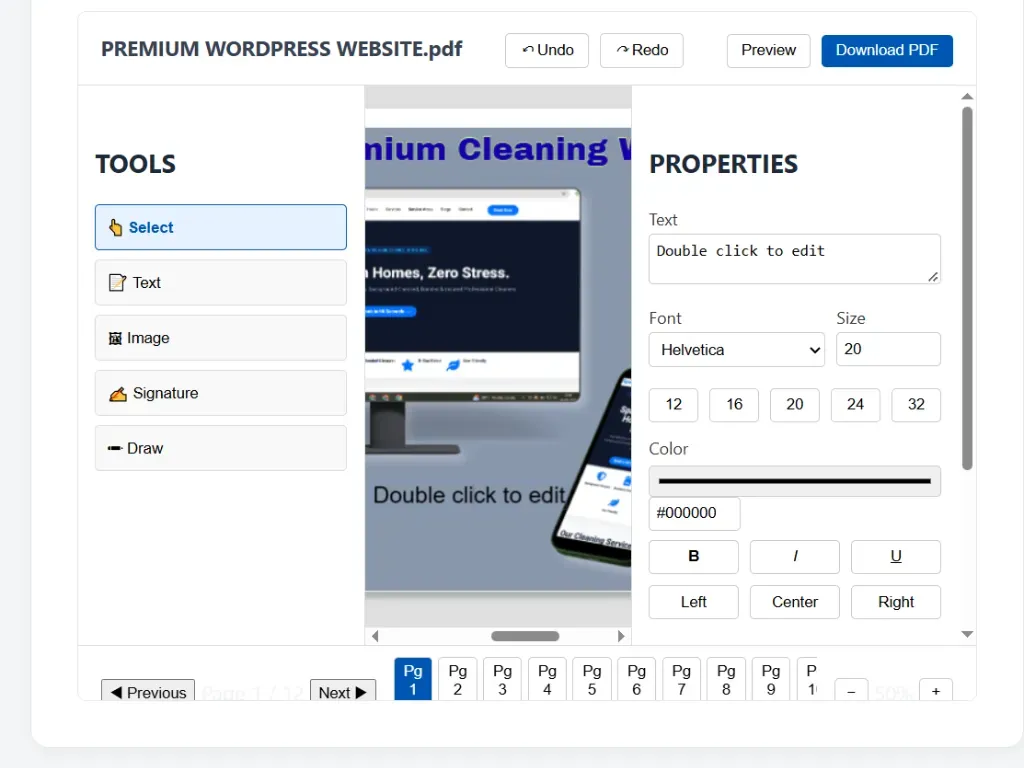
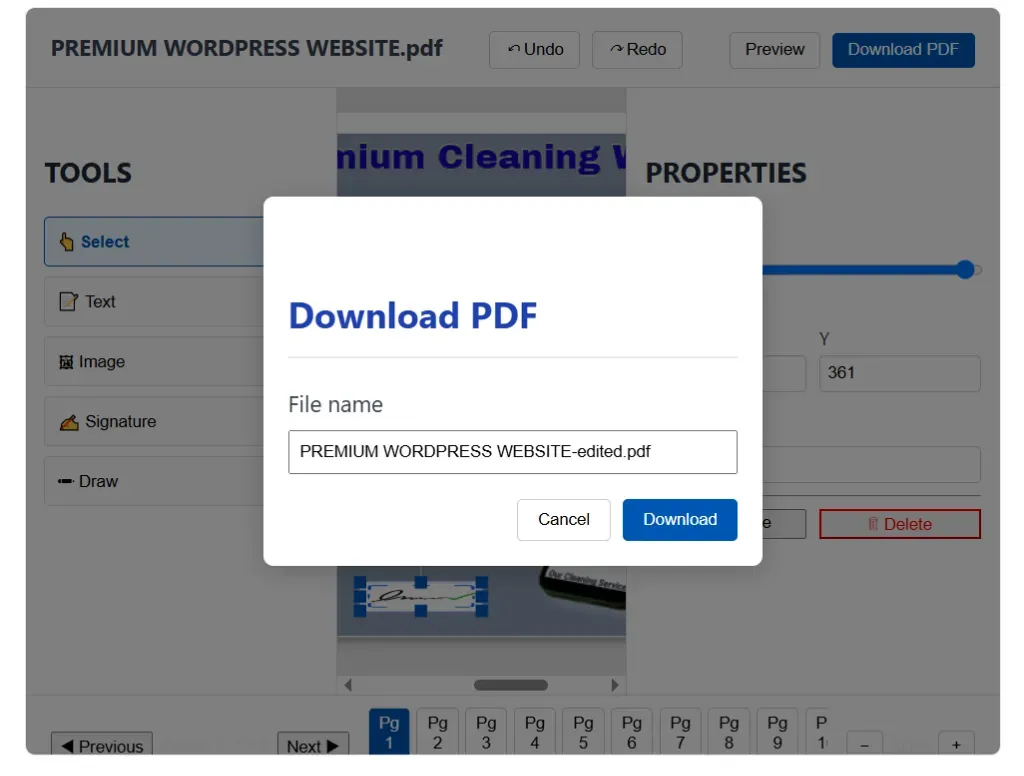
The main editor screen will open after your file uploads. The left sidebar contains all the editing tools, while the center area shows your document pages.
Step 3: Adding Text and Formatting
Click the Text tool on the left sidebar. Click anywhere on the page to start writing. Type your actual text in the properties box on the right.
Step 4: Inserting Images
Click the Image tool, choose a photo from your gallery, and drag it to the correct location.
Step 5: Adding a Digital Signature
Click the Signature button, draw or type your name, and place it on the page.
Step 6: Preview and Download
Check your document to ensure everything looks correct. Click the Download PDF button when you finish editing. Your file will save to your device instantly.
Frequently Asked Questions
Q1. Is this PDF editor actually free? Yes, our tool to edit pdf online is completely free. There are no subscription fees.
Q2. How to edit pdf file in mobile? You can easily edit files on your smartphone! Just open our website in your mobile browser, upload the file, and use touch controls to add text or signatures.
Q3. How to edit pdf in iphone? The process is exactly the same as Android. Open Safari on your iPhone, visit our site, and you can edit pdf online free without installing any extra apps.
Q4. How to edit pdf file in laptop? Simply visit our website using Chrome, Firefox, or Edge. Upload your document and use your mouse and keyboard to edit seamlessly.
Q5. How to edit scanned pdf? While you cannot change the existing text in a flat scanned image, you can use our tool to add new text over it, place white boxes to hide old text, or draw and sign on top of the scanned pages.
Conclusion
Modifying documents is very easy now. You can complete your work in minutes using the right tools. Our application is fast, secure, and simple. Do not waste money on expensive software—try our edit pdf free tool today and finish your work effortlessly!