
Add Name and Date on Photo Online Free
Advanced Settings ⚙️
The Ultimate Guide to Getting Name and Date on Photo Online Free
Have you ever wondered how to write name and date on photo easily without downloading heavy software? Many government exams and job applications require a specific format for your passport size photo. This free tool is designed to help you add name and date on photo online quickly and perfectly.
Why You Need Name and Date on Photo
For exams like NEET UPSC SSC and other PSC exams having the correct photo format is very important. Many students ask is name and date compulsory on photo for NEET and the answer is usually yes. Having a clear name and date on photo for NEET or name and date on photo for UPSC ensures your application is not rejected. The same goes for name and date on photo for SSC and name and date on photo for Sarkari Result applications.
Features of Our Name and Date on Photo Editor
Here is a quick look at what makes our tool the best choice for you
| Feature | Description |
|---|---|
| Live Preview | See changes instantly as you edit name and date on photo |
| Custom Fonts | Choose from Arial Times New Roman Verdana and more |
| Color Control | Change text color and background color easily |
| Advanced Shadows | Add text shadows for better visibility |
| Custom Borders | Adjust border width and color to match requirements |
| One Click Download | Save directly to your device or copy to clipboard |
We built this tool so you can add name and date on photo online free and without any hassle. The tool does all the processing in your browser so your photos stay secure on your device.
How to Add Name and Date on Passport Size Photo
If you want to know how to put name and date on photo or how to get name and date on photo just follow these simple steps
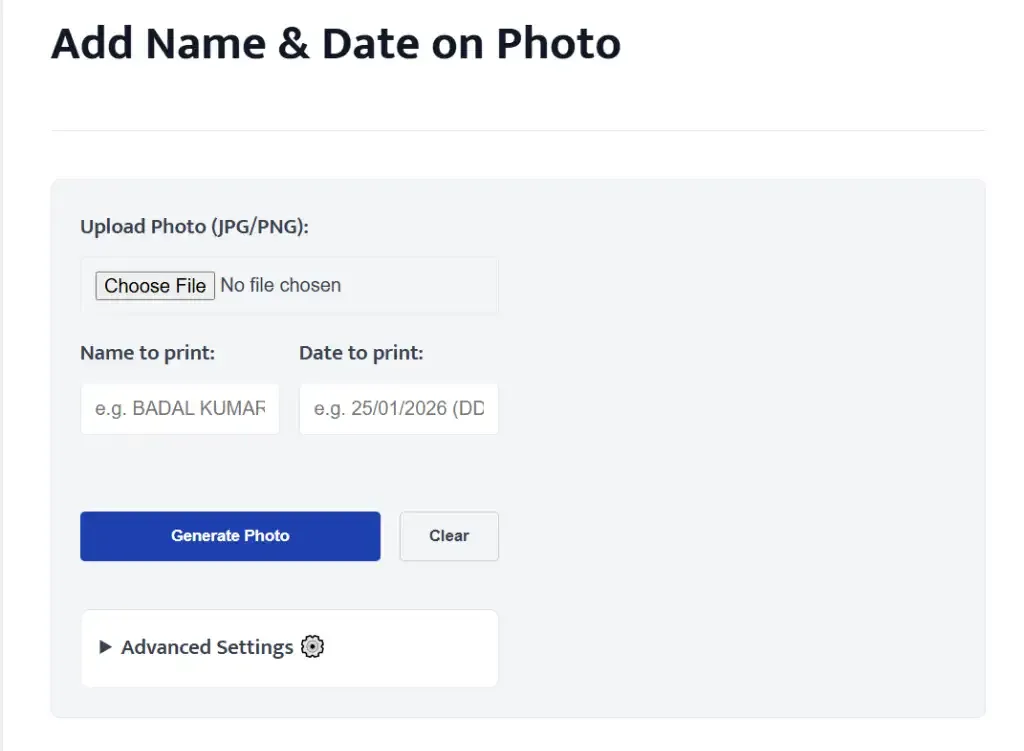
Step 1 Upload your photo
Click the upload button and select your image.
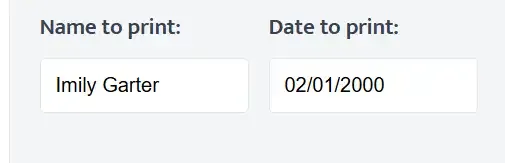
Step 2 Enter your details
Type your name and the date you want to display. If you are wondering how to write date and name on photo simply type them in the respective boxes.
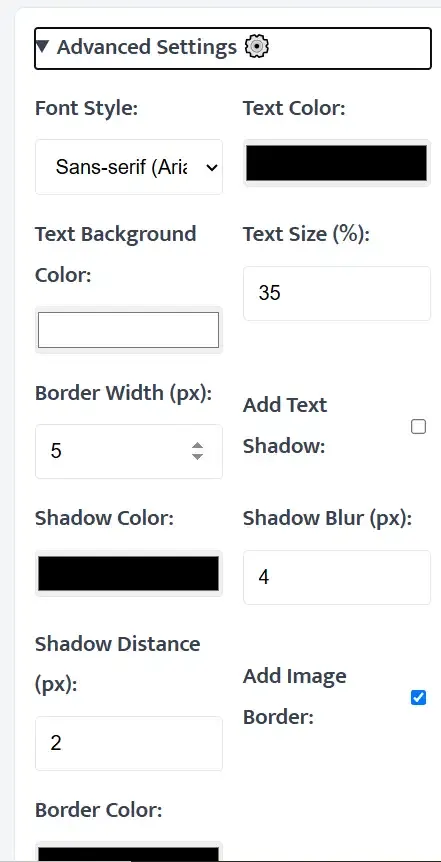
Step 3 Customize the look
Use the advanced settings to change font size color and borders. This is perfect if you need to know how to edit name and date on passport size photo. You can even adjust the text shadow and background strip color.
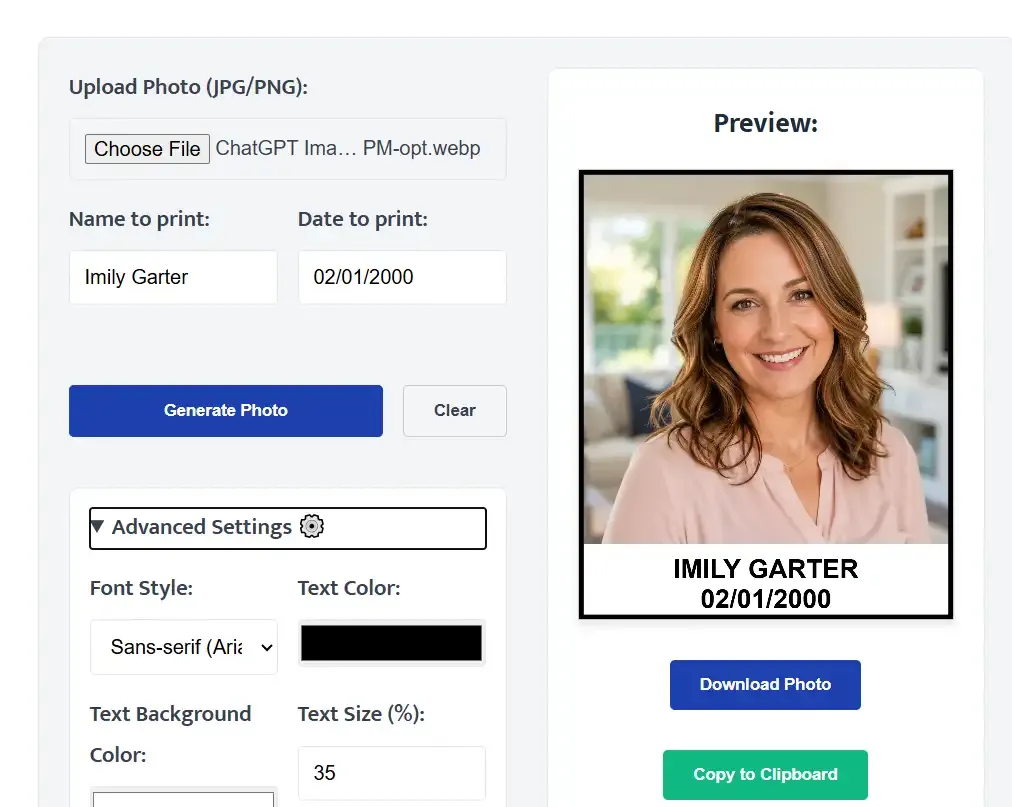
Step 4 Generate and Download
Click generate to see the final result. If you are satisfied you can download it. This answers how to print name and date on photo or how to print date and name on photo since you can print the downloaded file right away.
Frequently Asked Questions
Q1. How to insert name and date on photo without losing quality?
Our tool processes your image directly in your browser ensuring no quality is lost during the edit.
Q2. Can I use this to add name and date on photo online free?
Yes this tool is completely free to use for everyone and you can create as many photos as you need.
Q3. How to paste name and date on photo if I already have the text?
You can simply copy your text from anywhere and paste it directly into the name and date input fields in our tool.
Q4. How to write name and date on passport size photo for job applications?
Upload your passport photo enter your details and ensure the background color is white and text is black as per standard guidelines.
Q5. How to put date and name on photo from my mobile phone?
This tool works perfectly on mobile browsers. Just open the page on your phone and follow the same steps.
Q6. How to print name and date on passport size photo directly?
First generate and download your photo using our tool. Then you can open the downloaded image on your computer and print it using your standard printer settings.
Q7. How to put name and date on passport size photo with a border?
Our tool has a built in border feature. Just open the advanced settings check the add border option and select your desired thickness to get a neat border around your photo.
Q8. How to edit name and date on photo if I made a mistake?
Simply change the text in the input boxes and the live preview will update automatically. You do not need to start over completely.
Q9. How to add name and date on photo online without a watermark?
Our tool does not add any watermark to your photos. What you create is completely yours.
Q10. How to write name and date on photo easily?
Just use our free tool upload your picture fill in the boxes and click download. It is that simple.